Latest Version
Update
October 11, 2026
October 11, 2026
Developer
AllShare apps
AllShare apps
Categories
Tools
Tools
Platforms
Android
Android
Downloads
0
0
License
Free
Free
Package Name
screen.mirroring.sony.barvia.miracast.airplay
screen.mirroring.sony.barvia.miracast.airplay
Report
Report a Problem
Report a Problem
More About Screen Mirroring Sony Bravia
Screen mirror and cast your Android phone or tablet to a compatible Sony Bravia TV or Miracast-enabled display.
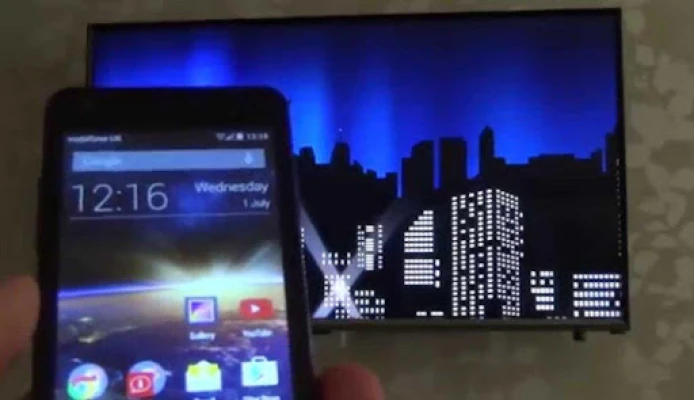
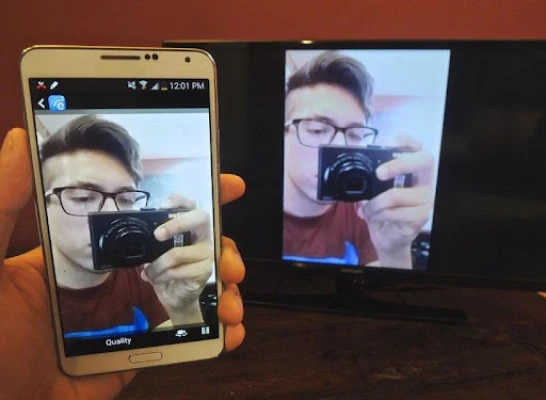
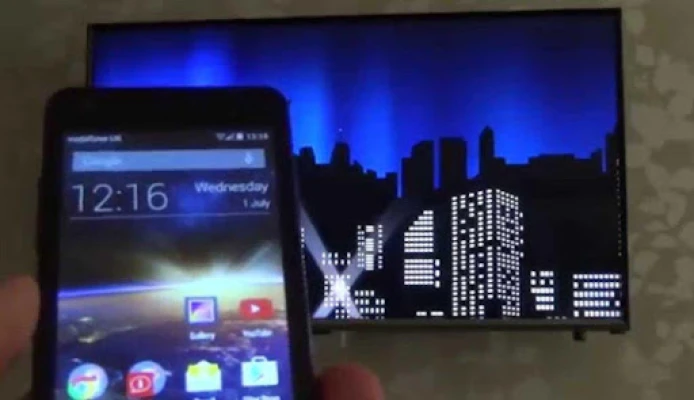
Screen Mirroring Sony Bravia makes it easy to display your mobile screen on a bigger TV. Share videos, photos, presentations, supported apps, web pages and Android games wirelessly without connecting your phone with an HDMI cable.
SCREEN MIRRORING FOR SONY BRAVIA TV
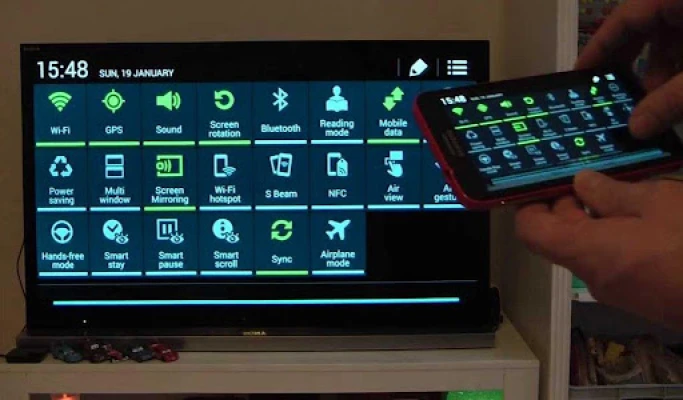
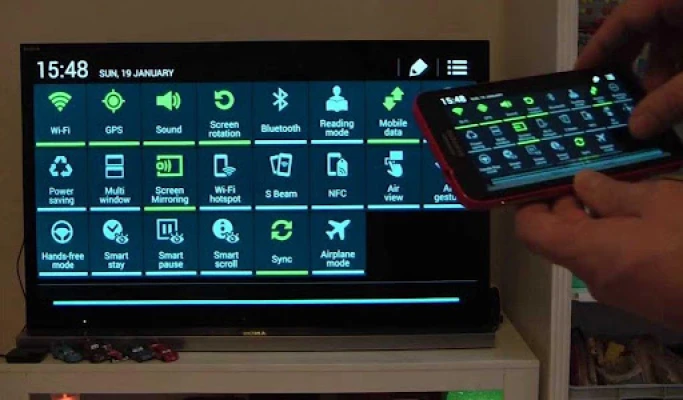
Mirror your Android screen to a compatible Sony Bravia Smart TV using Miracast or Wireless Display. Open the app, access screen casting and connect to a supported TV or wireless display.
KEY FEATURES
• Sony Bravia Screen Mirroring: Mirror your Android screen to a compatible Sony TV.
• Cast to TV: Display supported mobile content on your television.
• Videos & Photos: Show local videos, movies, photos and slideshows on a bigger screen.
• Apps & Games: Mirror supported Android apps and mobile games.
• Presentations: Share slides, documents and web content for meetings or study.
• Quick Access: Easily open Android wireless display and screen casting options.
• Wireless Connection: No HDMI cable connected to your phone is required for compatible devices.
HOW TO CONNECT
1. Check that your Sony Bravia TV supports Miracast, Screen Mirroring or Wireless Display.
2. Connect your Android device and TV to the same Wi-Fi network when required by your setup.
3. Enable Screen Mirroring, Miracast or Wireless Display on your TV.
4. Open the app, tap Start and select your compatible Sony TV or display.
5. Follow the on-screen connection prompts to start mirroring.
DEVICE COMPATIBILITY
Screen mirroring requires a compatible Android phone or tablet and a Sony Bravia TV, television, monitor or wireless display adapter that supports Miracast/Wireless Display.
Compatibility varies by Android device, Android version and Sony TV model. Some newer TV/device combinations may use different casting technologies and may not support Miracast screen mirroring.
Some streaming services can restrict mirroring of DRM-protected content. Video quality, responsiveness and latency depend on your devices, Wi-Fi connection and wireless environment.
CAST YOUR PHONE TO SONY TV
Share family photos, watch local videos, show presentations or mirror supported apps and games on your Sony Bravia TV. Open the app, connect to a compatible display and enjoy your Android content on a bigger screen.
SCREEN MIRRORING FOR SONY BRAVIA TV
Mirror your Android screen to a compatible Sony Bravia Smart TV using Miracast or Wireless Display. Open the app, access screen casting and connect to a supported TV or wireless display.
KEY FEATURES
• Sony Bravia Screen Mirroring: Mirror your Android screen to a compatible Sony TV.
• Cast to TV: Display supported mobile content on your television.
• Videos & Photos: Show local videos, movies, photos and slideshows on a bigger screen.
• Apps & Games: Mirror supported Android apps and mobile games.
• Presentations: Share slides, documents and web content for meetings or study.
• Quick Access: Easily open Android wireless display and screen casting options.
• Wireless Connection: No HDMI cable connected to your phone is required for compatible devices.
HOW TO CONNECT
1. Check that your Sony Bravia TV supports Miracast, Screen Mirroring or Wireless Display.
2. Connect your Android device and TV to the same Wi-Fi network when required by your setup.
3. Enable Screen Mirroring, Miracast or Wireless Display on your TV.
4. Open the app, tap Start and select your compatible Sony TV or display.
5. Follow the on-screen connection prompts to start mirroring.
DEVICE COMPATIBILITY
Screen mirroring requires a compatible Android phone or tablet and a Sony Bravia TV, television, monitor or wireless display adapter that supports Miracast/Wireless Display.
Compatibility varies by Android device, Android version and Sony TV model. Some newer TV/device combinations may use different casting technologies and may not support Miracast screen mirroring.
Some streaming services can restrict mirroring of DRM-protected content. Video quality, responsiveness and latency depend on your devices, Wi-Fi connection and wireless environment.
CAST YOUR PHONE TO SONY TV
Share family photos, watch local videos, show presentations or mirror supported apps and games on your Sony Bravia TV. Open the app, connect to a compatible display and enjoy your Android content on a bigger screen.
Rate the App
Add Comment & Review
User Reviews
Based on 0 reviews
No reviews added yet.
Comments will not be approved to be posted if they are SPAM, abusive, off-topic, use profanity, contain a personal attack, or promote hate of any kind.






More »

Popular Apps

phpFoxPHPFOX LLC

Moon Chai StoryOlha Dobel

World War Heroes — WW2 PvP FPSAzur Interactive Games Limited

Govee LiteGovee

Viking Clan: RagnarokKano Games

Build World AdventureExplore city in cube world

Vikings: War of ClansPlarium LLC

AvSeaAvionics Electronics Geeks!

Asphalt 9: LegendsGameloft SE

Dawn of Zombies: Survival GameRoyal Ark
More »
Editor's Choice

Grim Soul: Dark Survival RPGBrickworks Games Ltd

Craft of Survival - Gladiators101XP LIMITED

Last Shelter: SurvivalLong Tech Network Limited
Dawn of Zombies: Survival GameRoyal Ark

Merge Survival : WastelandStickyHands Inc.

AoD Vikings: Valhalla GameRoboBot Studio
Viking Clan: RagnarokKano Games
Vikings: War of ClansPlarium LLC
Asphalt 9: LegendsGameloft SE

Modern Tanks: War Tank GamesXDEVS LTD