Latest Version
Update
January 30, 2024
January 30, 2024
Developer
Somyac
Somyac
Categories
Productivity
Productivity
Platforms
Android
Android
Downloads
0
0
License
Free
Free
Package Name
com.somyac.watch.filetransfer
com.somyac.watch.filetransfer
Report
Report a Problem
Report a Problem
More About File Transfer (Wear OS)
File Transfer is designed for Wear OS devices
File Transfer is unique app working in the standalone mode.
It does not require any additional software in the PHONE/TABLET/PC to send and receive data.
KEY FEATURES:
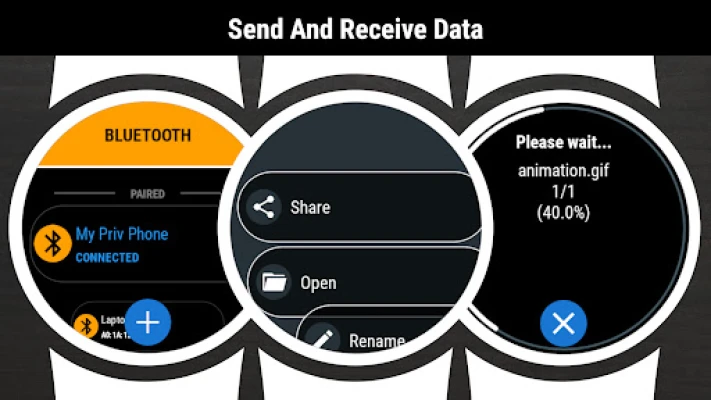
✓ sending files to any Bluetooth device - SMARTWATCH/PHONE/TABLET/PC
✓ receiveing files from any Bluetooth device
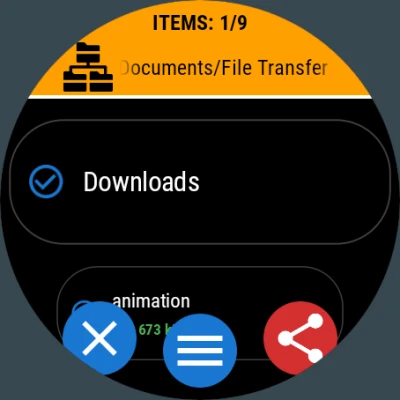
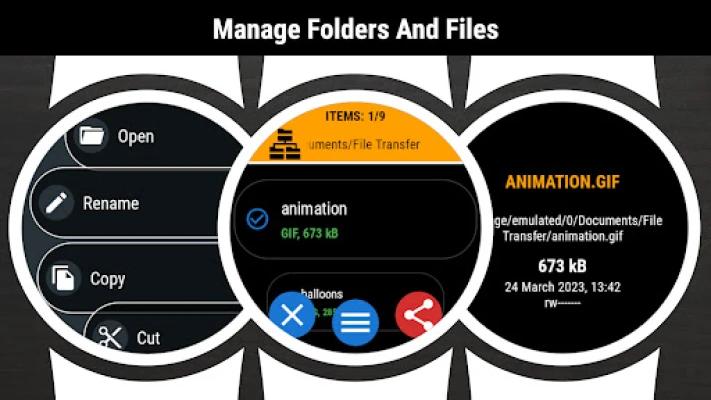
✓ browsing folders and files
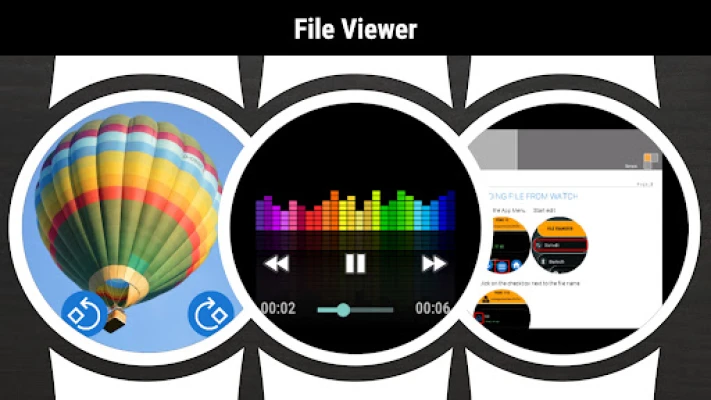
✓ viewing files content
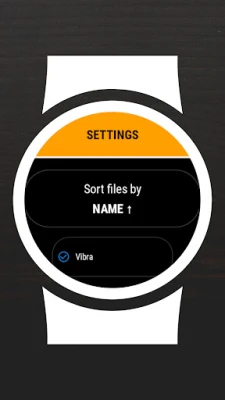
✓ copy/paste/rename/sort/delete options
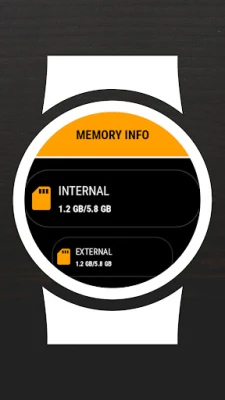
✓ displaying memory information
✓ searching files
✓ zip/unzip option
✓ intuitive menu
SENDING FILE FROM WATCH:
1. (IN WATCH) Go to the App Menu → Start edit
2. (IN WATCH) Click on the checkbox next to the file name
3. (IN WATCH) Go to the App menu → Share
4. (IN WATCH) Select receiver from the list
5. (IN PHONE) Accept incoming file
6. (IN PHONE) Go to Download folder to view the file
RECEIVING FILE IN WATCH:
1. (IN WATCH) Go to the App Menu → Set visible
2. (IN PHONE) Use any file browser app → Share → Bluetooth
3. (IN PHONE) Click on the watch name. If watch name is not visible on the list - click the SCAN/STOP button (wait and/or retry 2-3 times)
4. (IN WATCH) Accept incoming file
5. (IN WATCH) Go to Downloads folder to view the file
It does not require any additional software in the PHONE/TABLET/PC to send and receive data.
KEY FEATURES:
✓ sending files to any Bluetooth device - SMARTWATCH/PHONE/TABLET/PC
✓ receiveing files from any Bluetooth device
✓ browsing folders and files
✓ viewing files content
✓ copy/paste/rename/sort/delete options
✓ displaying memory information
✓ searching files
✓ zip/unzip option
✓ intuitive menu
SENDING FILE FROM WATCH:
1. (IN WATCH) Go to the App Menu → Start edit
2. (IN WATCH) Click on the checkbox next to the file name
3. (IN WATCH) Go to the App menu → Share
4. (IN WATCH) Select receiver from the list
5. (IN PHONE) Accept incoming file
6. (IN PHONE) Go to Download folder to view the file
RECEIVING FILE IN WATCH:
1. (IN WATCH) Go to the App Menu → Set visible
2. (IN PHONE) Use any file browser app → Share → Bluetooth
3. (IN PHONE) Click on the watch name. If watch name is not visible on the list - click the SCAN/STOP button (wait and/or retry 2-3 times)
4. (IN WATCH) Accept incoming file
5. (IN WATCH) Go to Downloads folder to view the file
Rate the App
Add Comment & Review
User Reviews
Based on 0 reviews
No reviews added yet.
Comments will not be approved to be posted if they are SPAM, abusive, off-topic, use profanity, contain a personal attack, or promote hate of any kind.













More »

Popular Apps

phpFoxPHPFOX LLC

Moon Chai StoryOlha Dobel

World War Heroes — WW2 PvP FPSAzur Interactive Games Limited

Govee LiteGovee

Viking Clan: RagnarokKano Games

AvSeaAvionics Electronics Geeks!

Build World AdventureExplore city in cube world

Vikings: War of ClansPlarium LLC

Asphalt 9: LegendsGameloft SE

Dawn of Zombies: Survival GameRoyal Ark
More »
Editor's Choice

Grim Soul: Dark Survival RPGBrickworks Games Ltd

Craft of Survival - Gladiators101XP LIMITED

Last Shelter: SurvivalLong Tech Network Limited
Dawn of Zombies: Survival GameRoyal Ark

Merge Survival : WastelandStickyHands Inc.

AoD Vikings: Valhalla GameRoboBot Studio
Viking Clan: RagnarokKano Games
Vikings: War of ClansPlarium LLC
Asphalt 9: LegendsGameloft SE

Modern Tanks: War Tank GamesXDEVS LTD