
Latest Version
Update
November 24, 2026
Developer
InGenious
Categories
Auto & Vehicles
Platforms
Android
Downloads
0
License
Free
Package Name
com.carplay.carplay_sync.androidauto
Report
Report a Problem
More About Car Play Auto sync for android
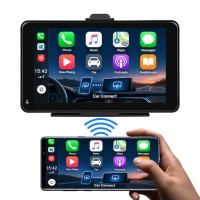
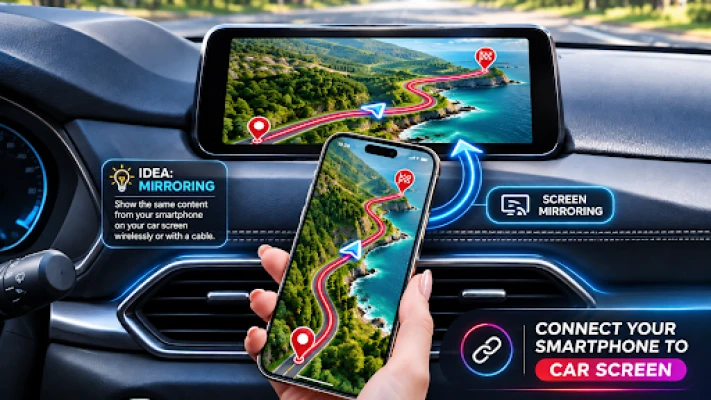
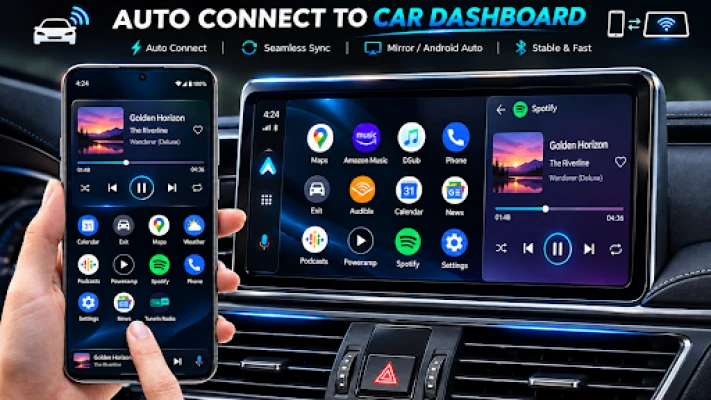
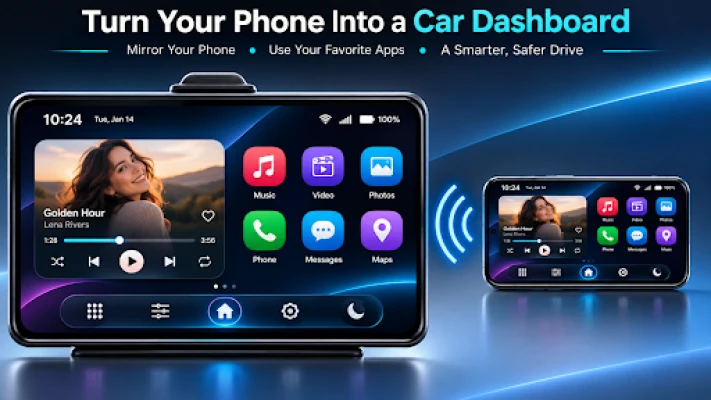
The Car Play Auto for Android app is designed to streamline the connection between your smartphone and your car's dashboard system. This app helps with Car Play Auto sync tools for Android, making it easier for users to integrate their phones with their vehicle's infotainment system for a safer and more convenient driving experience.
Key Features:
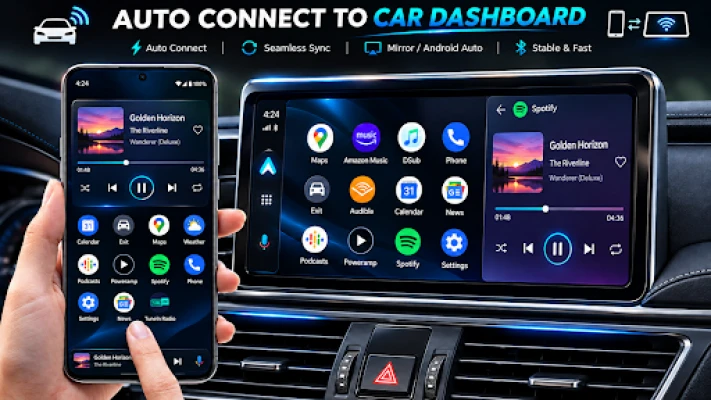
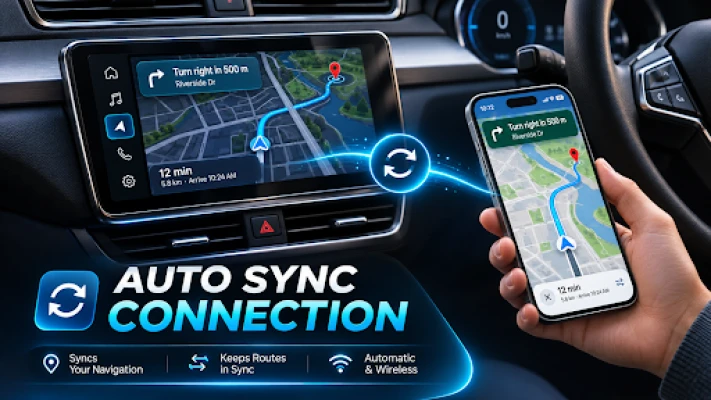
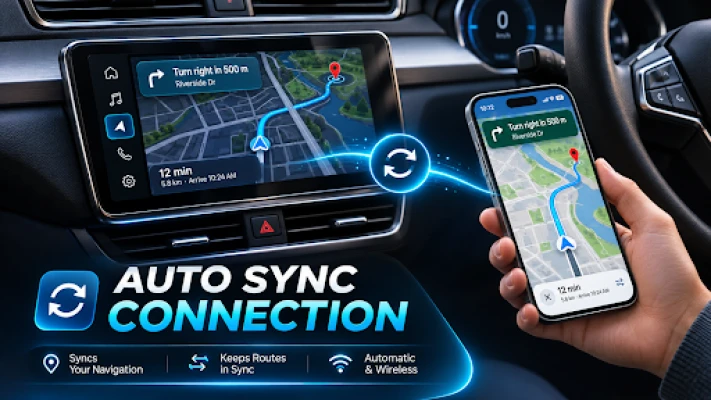
Seamless Integration: Effortlessly connect your Android device with your car's dashboard system. Automatically detect and establish a connection with compatible car infotainment systems.
User-Friendly Interface: Simplified setup process with step-by-step instructions. Intuitive controls for managing and adjusting settings.
Enhanced Compatibility: Supports a wide range of vehicles and infotainment systems. Regular updates to improve compatibility with new car models and phone updates.
Smart Connectivity: Connect your phone via USB or wireless (if supported by your car). Auto-launch Car Play Auto tools upon connection when available.
Customizable Settings: Personalize your dashboard display preferences. Manage notifications and app permissions for a more tailored driving experience.
Troubleshooting Assistance: Built-in diagnostic tools to help resolve connection issues. Access to a support community and FAQs for additional help.
Safety Features: Voice control integration for hands-free operation. Access to navigation, music, and communication apps with minimal distraction.
Benefits:
Increased Safety: Keep your focus on the road by using voice commands and hands-free features.
Convenience: Easily access your favorite apps and features from your car's dashboard.
Enhanced Connectivity: Enjoy reliable and consistent connectivity between your phone and car system.
How to Get Started:
Download Car Play Auto for Android from Google Play.
Follow the on-screen instructions to connect your phone to your car’s infotainment system.
Customize your settings and start enjoying the seamless integration of your smartphone with your car’s dashboard.
Note: Make sure your car's infotainment system supports phone-to-car display connection before using this app.
Disclaimer: Car Play Auto for Android is an independent app by InGenious and is not affiliated with, endorsed by, or connected to Apple Inc. or Google LLC.
Rate the App
Add Comment & Review
User Reviews
Based on 0 reviews
No reviews added yet.
Comments will not be approved to be posted if they are SPAM, abusive, off-topic, use profanity, contain a personal attack, or promote hate of any kind.











More »

Popular Apps

phpFoxPHPFOX LLC

Moon Chai StoryOlha Dobel

World War Heroes — WW2 PvP FPSAzur Interactive Games Limited

Govee LiteGovee

AvSeaAvionics Electronics Geeks!

Viking Clan: RagnarokKano Games

Vikings: War of ClansPlarium LLC

Build World AdventureExplore city in cube world

Asphalt 9: LegendsGameloft SE

Dawn of Zombies: Survival GameRoyal Ark
More »
Editor's Choice

Grim Soul: Dark Survival RPGBrickworks Games Ltd

Craft of Survival - Gladiators101XP LIMITED

Last Shelter: SurvivalLong Tech Network Limited
Dawn of Zombies: Survival GameRoyal Ark

Merge Survival : WastelandStickyHands Inc.

AoD Vikings: Valhalla GameRoboBot Studio
Viking Clan: RagnarokKano Games
Vikings: War of ClansPlarium LLC
Asphalt 9: LegendsGameloft SE

Modern Tanks: War Tank GamesXDEVS LTD